A 3ds Max® model is triangles. A box is twelve of them; a column is a few hundred; a TurboSmoothed canopy is tens of thousands. Revit® does not care how the geometry looks — it cares whether a surface is a face it can reference. Twelve triangles that happen to be coplanar are not a face. A planar face that Revit built from them is.
That gap is the entire difference between geometry you can dimension and host on, and geometry you can only look at. This note explains where Levlin Bridge draws the line, and what to expect on each side of it.
Why Revit will not dimension a mesh
The answer users receive on every forum where this comes up is the same: Revit cannot dimension mesh geometry created through the API, and the fix is to send solids. A mesh has vertices and triangles. A solid has faces, edges and a boundary Revit understands as inside and outside. Wall by Face needs a face. A dimension needs a reference. A mesh offers neither.
Speckle Community: Cannot dimension generic models brought into Revit
Which is why “import the FBX into a Mass family by hand” disappoints: the mesh arrives, the family is a Mass, and still nothing can be picked. The container is right; the contents are not.
What becomes a solid face
Levlin Bridge rebuilds the mesh as solid forms wherever the triangles describe a surface Revit can express exactly:
| Geometry in 3ds Max | What comes back |
|---|---|
| Planar regions — any run of coplanar triangles, however many | One planar face per region. A box is six faces, not twelve triangles |
| Curved primitives — columns, pipes, round openings, cylinders and the other primitive surfaces 3ds Max builds from a formula | Solid forms with real faces, detected by fitting the triangles to the surface they describe |
| Extrusions, chamfers, slabs, stairs, frames, anything built from flats and primitives | Solid forms with real faces throughout |
The coplanar merge is the part that matters most in practice. 3ds Max splits a flat wall into two triangles per quad, and a wall with an opening into dozens. All of them arrive as a single face, so a dimension snaps to the wall, not to one triangle of it.
What stays a mesh
Only freeform geometry: a tree, a sculpted or TurboSmoothed canopy, terrain, a surface that exists as nothing but a dense triangle approximation. It is kept as a mesh residual inside a Mass family of its own, positioned exactly, rendering, cutting in plan and section, and grounded by the ten reference planes so it can still be dimensioned and tagged. It is not a face you can host a wall on.
The line is not drawn by the object. One object can come back mixed: a canopy whose columns are solid faces and whose roof is a mesh, in one Mass. Nothing is split into two elements and nothing is dropped.
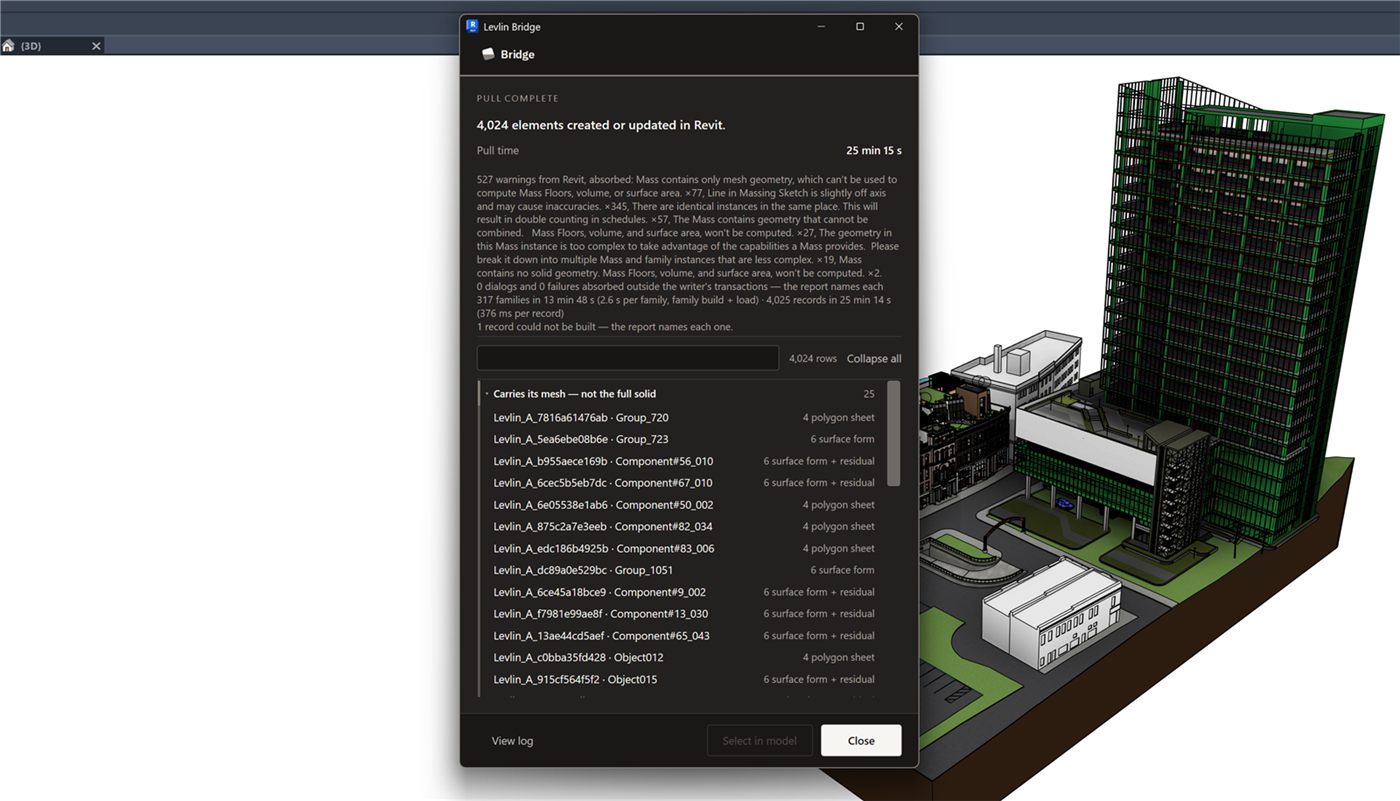
Why both parts live in one family
Because the alternative — one element for the solids and a second for the mesh — breaks every downstream tool. Mass Floors want one mass. A tag wants one element. A schedule row wants one element. And a second pull wants one ElementId to update. So the solid forms and the mesh residual are placed inside the same Mass family, and the family is what you dimension, tag, schedule and pull again. Why a Mass family and not a DirectShape.
Proxies and copies
Render proxies — V-Ray, Corona and the like — were pulled as well, and each returns according to what it is: a proxy of a column returns as solid faces, a proxy of a tree returns as a grounded mesh. Copies and instances of the same object return as one family type in Revit with one instance per copy, so a row of twenty identical columns is one type, scheduled as twenty, not twenty unrelated families.
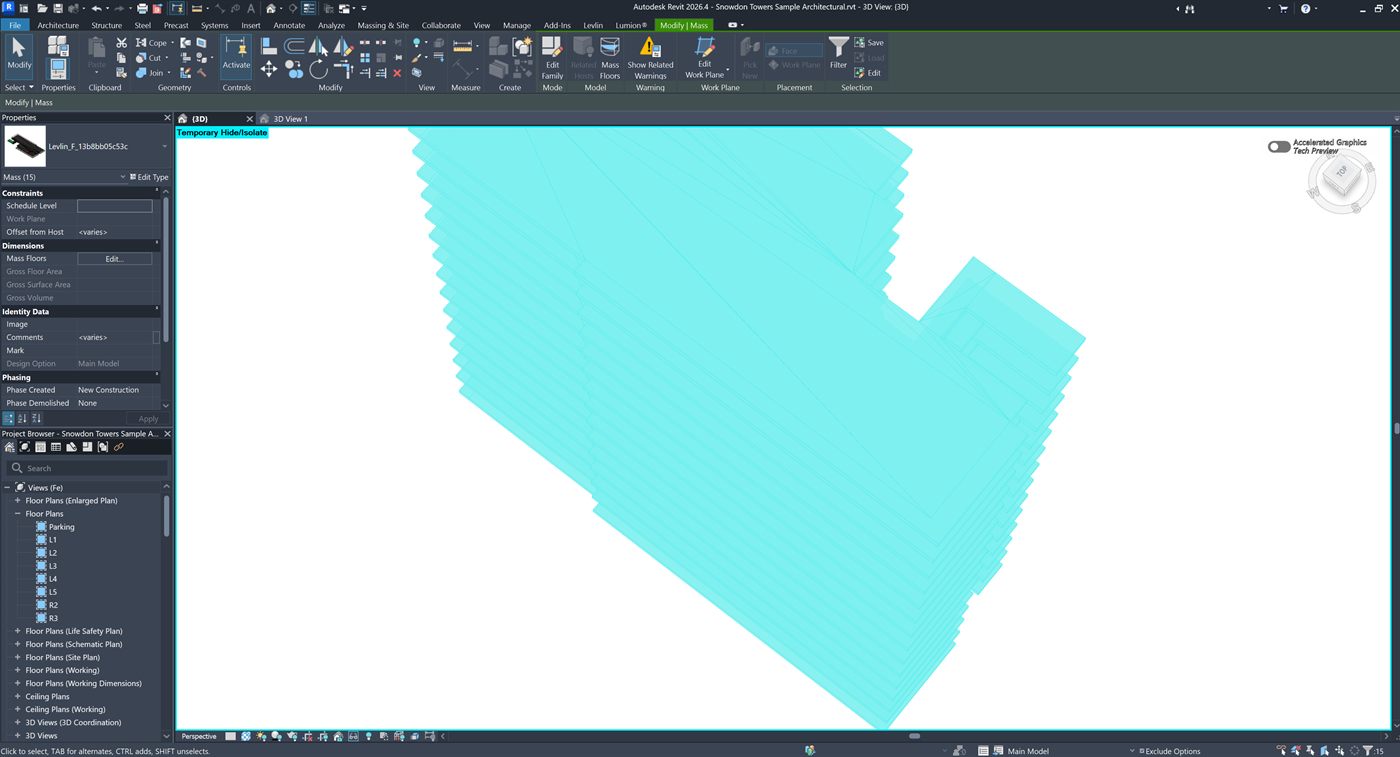
Levlin_F_13b8bb05c53c — and the Properties palette counts the selection as Mass (15): one type, fifteen instances, not fifteen unrelated families. Offset from Host reads <varies>, because they sit at fifteen different heights.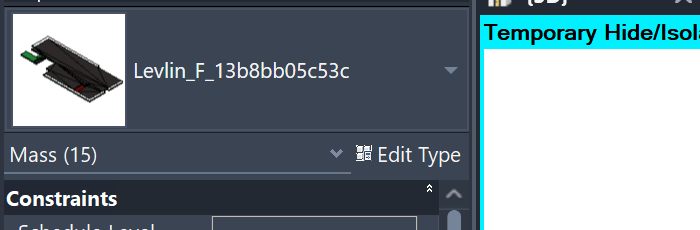
Mass (15).“Mass too complex”
On a heavy model Revit may show its “Mass too complex” warning while the family loads. It is Revit’s notice, not an error: the family is created and everything above still applies. Accept it and continue.
What this means for the 3ds Max artist
Nothing has to change in how you model. But if the architect needs to host on a surface, the surface has to be flat or a true primitive in the mesh — a TurboSmooth applied on top of a clean box turns six faces into a residual. Keep the modifier if the surface is meant to be freeform; collapse it only if that face is meant to be built on. That is a decision the two of you can make per object, because each object comes back the way its triangles describe it.
The honest boundary
Planar and curved-primitive detection, the coplanar merge, the mesh residual with its reference planes, proxies, and instanced copies were measured live in Revit 2026 with 3ds Max 2024, on models that mixed flat, cylindrical and freeform geometry in the same object. We publish the cases we ran. What the architect can do with the result.
Frequently asked
Why can’t Revit dimension imported 3ds Max geometry?
Because it arrives as a mesh, and Revit cannot reference a mesh triangle as a face. Only solid faces can be dimensioned or hosted on.
What does Levlin Bridge turn into solid faces?
Planar regions, merged across coplanar triangles into one face each, and curved primitives such as cylinders, detected by fitting. Boxes, slabs, extrusions, columns and pipes come back as solids.
What stays as a mesh?
Only freeform geometry — a tree, a sculpted or TurboSmoothed surface, terrain. It is kept in a Mass family with ten reference planes, so it can still be dimensioned and tagged, but it is not a face you can host on.
Can one object come back partly solid and partly mesh?
Yes. The decision is made per surface, not per object. A column-and-canopy object returns solid faces for the columns and a mesh for a freeform roof, in one Mass.
Do render proxies come back?
Yes. Each proxy returns according to its content: solid faces where the geometry is flat or primitive, a grounded mesh where it is freeform.
What happens to copies and instances?
They return as one family type with one instance per copy, so identical objects stay identical in Revit and schedule as a count of that type.
What does the “Mass too complex” warning mean?
It is Revit’s notice on a heavy family. The family is still created and works as described; accept the warning and continue.
Related field notes
- How to get a 3ds Max model into Revit as a Mass family
- Which 3ds Max import formats can travel on to Revit?
- Blender to Revit: the FBX, OBJ, glTF and USD route through 3ds Max
- Rhino and Grasshopper geometry into Revit through 3ds Max
- How to get a SketchUp model into Revit as measurable elements
- What can an architect do with a Mass that came back from 3ds Max?
- Do dimensions and tags survive when you pull again from 3ds Max into Revit?
- Why Levlin Bridge returns 3ds Max geometry to Revit as a Mass family, not a DirectShape
- Is there a plug-in that links Revit and 3ds Max in both directions?
- Why the Revit model arrives at the wrong scale in 3ds Max
- Why the Revit model appears twice in 3ds Max after a reload
- 3ds Max cannot link the Revit file? Four causes, in order
- Revit File Link or FBX for 3ds Max?
- Do Revit and 3ds Max versions have to match?
- What happens to deleted Revit elements in 3ds Max?
- Why modifiers and UVW break when a Revit link reloads
- What Combine By Revit Material actually does to your model
- Why “Keep material parameters on reload” doesn’t save your 3ds Max materials
- Does Datasmith move a Revit model into 3ds Max?
- Can Speckle sync Revit and 3ds Max?
- Is NVIDIA Omniverse still a Revit to 3ds Max route in 2026?
Levlin Bridge
Levlin Bridge is a Windows plug-in that moves geometry between Autodesk Revit and Autodesk 3ds Max in both directions. Push the model from Revit, pull it into 3ds Max, and push the geometry you changed back into Revit as real elements. Only the difference ever moves, so materials, modifiers and UVW stay exactly where you left them. Any Revit 2022–2027 works with any 3ds Max 2024–2027.
Levlin Bridge is in final testing and is not released. There is nothing to download yet. Leave your email and you get the 30-day trial the day it ships.